
Markers are specific symbols or indicators placed on the lanes of a swimmer plot to denote particular events, milestones, or statuses. They provide additional contextual information about significant occurrences during the timeline, such as treatment responses or adverse events.
Usage
geom_swim_marker(
  mapping = NULL,
  data = NULL,
  stat = "identity",
  position = "identity",
  ...,
  check_overlap = FALSE,
  size.unit = "mm",
  na.rm = FALSE,
  show.legend = NA,
  inherit.aes = TRUE
)
Arguments
- mapping
Set of aesthetic mappings created by
aes(). If specified andinherit.aes = TRUE(the default), it is combined with the default mapping at the top level of the plot. You must supplymappingif there is no plot mapping.- data
The data to be displayed in this layer. There are three options:
If
NULL, the default, the data is inherited from the plot data as specified in the call toggplot().A
data.frame, or other object, will override the plot data. All objects will be fortified to produce a data frame. Seefortify()for which variables will be created.A
functionwill be called with a single argument, the plot data. The return value must be adata.frame, and will be used as the layer data. Afunctioncan be created from aformula(e.g.~ head(.x, 10)).- stat
The statistical transformation to use on the data for this layer. When using a
geom_*()function to construct a layer, thestatargument can be used to override the default coupling between geoms and stats. Thestatargument accepts the following:A
Statggproto subclass, for exampleStatCount.A string naming the stat. To give the stat as a string, strip the function name of the
stat_prefix. For example, to usestat_count(), give the stat as"count".For more information and other ways to specify the stat, see the layer stat documentation.
- position
A position adjustment to use on the data for this layer. This can be used in various ways, including to prevent overplotting and improving the display. The
positionargument accepts the following:The result of calling a position function, such as
position_jitter(). This method allows for passing extra arguments to the position.A string naming the position adjustment. To give the position as a string, strip the function name of the
position_prefix. For example, to useposition_jitter(), give the position as"jitter".For more information and other ways to specify the position, see the layer position documentation.
- ...
Other arguments passed on to
layer()'sparamsargument. These arguments broadly fall into one of 4 categories below. Notably, further arguments to thepositionargument, or aesthetics that are required can not be passed through.... Unknown arguments that are not part of the 4 categories below are ignored.Static aesthetics that are not mapped to a scale, but are at a fixed value and apply to the layer as a whole. For example,
colour = "red"orlinewidth = 3. The geom's documentation has an Aesthetics section that lists the available options. The 'required' aesthetics cannot be passed on to theparams. Please note that while passing unmapped aesthetics as vectors is technically possible, the order and required length is not guaranteed to be parallel to the input data.When constructing a layer using a
stat_*()function, the...argument can be used to pass on parameters to thegeompart of the layer. An example of this isstat_density(geom = "area", outline.type = "both"). The geom's documentation lists which parameters it can accept.Inversely, when constructing a layer using a
geom_*()function, the...argument can be used to pass on parameters to thestatpart of the layer. An example of this isgeom_area(stat = "density", adjust = 0.5). The stat's documentation lists which parameters it can accept.The
key_glyphargument oflayer()may also be passed on through.... This can be one of the functions described as key glyphs, to change the display of the layer in the legend.
- check_overlap
If
TRUE, text that overlaps previous text in the same layer will not be plotted.check_overlaphappens at draw time and in the order of the data. Therefore data should be arranged by the label column before callinggeom_text(). Note that this argument is not supported bygeom_label().- size.unit
How the
sizeaesthetic is interpreted: as millimetres ("mm", default), points ("pt"), centimetres ("cm"), inches ("in"), or picas ("pc").- na.rm
If
FALSE, the default, missing values are removed with a warning. IfTRUE, missing values are silently removed.- show.legend
logical. Should this layer be included in the legends?
NA, the default, includes if any aesthetics are mapped.FALSEnever includes, andTRUEalways includes. It can also be a named logical vector to finely select the aesthetics to display. To include legend keys for all levels, even when no data exists, useTRUE. IfNA, all levels are shown in legend, but unobserved levels are omitted.- inherit.aes
If
FALSE, overrides the default aesthetics, rather than combining with them. This is most useful for helper functions that define both data and aesthetics and shouldn't inherit behaviour from the default plot specification, e.g.annotation_borders().
Details
Map the event category to marker; the category selects a glyph and colour
through scale_marker_discrete(). The marker scale controls both the plot
glyph and its legend key. It sets the marker colour after ggplot2 applies
aesthetic scales, so colour mappings, fixed colour settings, and
after_scale() colour transformations do not override marker colours. Set
marker colours with the scale's colours argument instead.
If using icon glyphs from fontawesome or bootstrap, first call
load_fonts() to register the matching fonts. The supported family values
are:
"Bootstrap"
"FontAwesome-Brands"
"FontAwesome-Regular"
"FontAwesome-Solid"
Aesthetics
Required aesthetics are x, y, and marker. marker should
identify the event category; use scale_marker_discrete() to assign glyphs,
colours, and legend labels. Other text aesthetics are inherited from
ggplot2::geom_text().
Marker alignment
Markers are rendered as text glyphs. Even when a marker and lane share the
same y-coordinate, the visible symbol can appear slightly above or below the
lane because glyphs occupy different positions within the text reference
box. This placement can vary with the font and graphics device, including
when emoji or fallback fonts are used. You can adjust vjust for a
particular plot, though one value may not suit every glyph or font; inspect
the exported figure. ggswim retains ggplot2's text-rendering behavior because
a correction based on one glyph or font may misalign others.
Examples
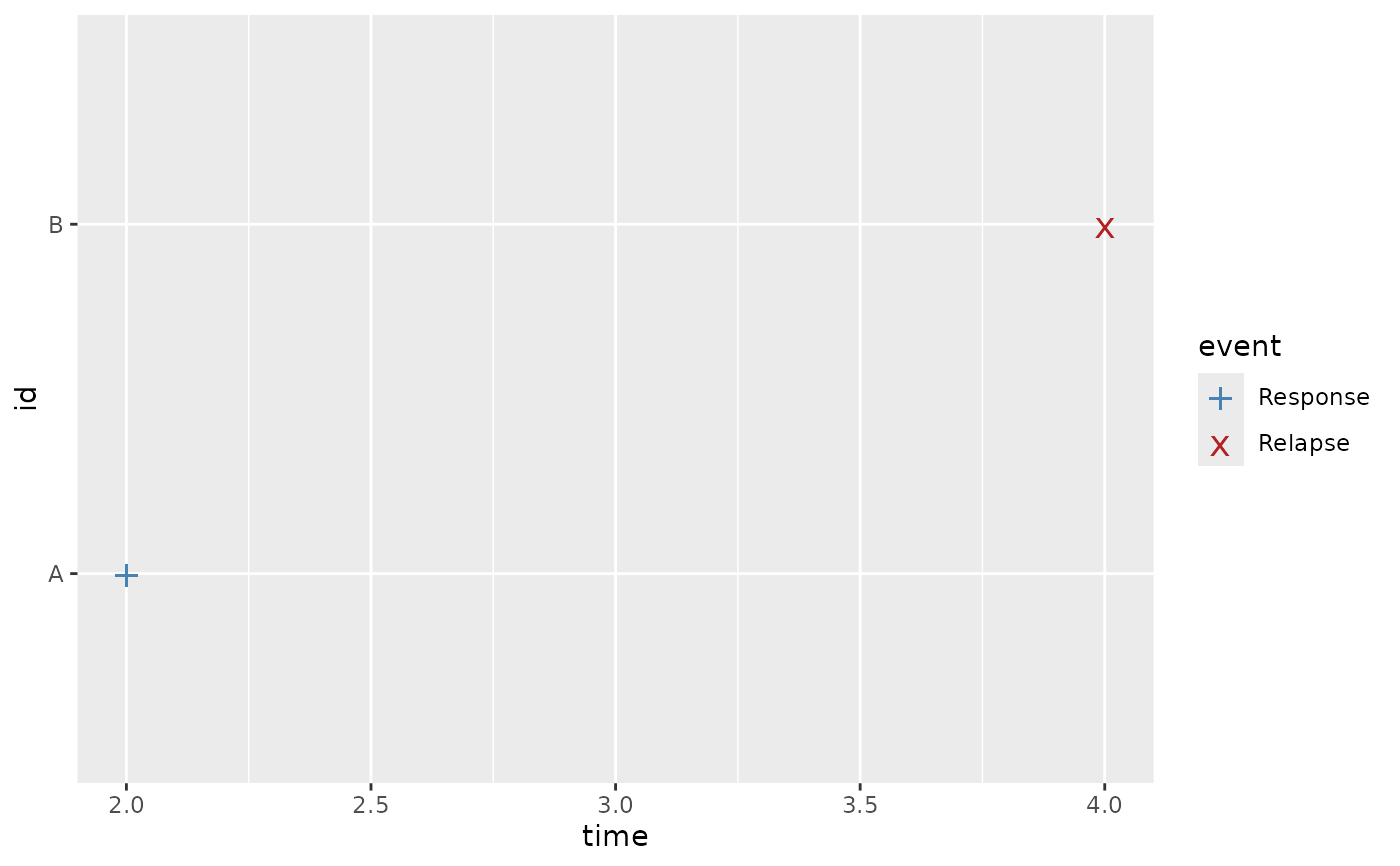
events <- data.frame(
time = c(2, 4),
id = c("A", "B"),
event = c("Response", "Relapse")
)
ggplot2::ggplot(events, ggplot2::aes(x = time, y = id, marker = event)) +
geom_swim_marker(size = 5) +
scale_marker_discrete(
glyphs = c("+", "x"),
colours = c("steelblue", "firebrick"),
limits = c("Response", "Relapse")
)
 if (FALSE) { # \dontrun{
# The first call downloads fonts into the user cache and needs internet.
load_fonts()
icon_events <- data.frame(time = 2, id = "A", event = "Review")
ggplot2::ggplot() +
geom_swim_marker(
data = icon_events,
mapping = ggplot2::aes(x = time, y = id, marker = event),
family = "FontAwesome-Solid", size = 5
) +
scale_marker_discrete(
glyphs = fontawesome("fa-check"), limits = "Review"
)
} # }
if (FALSE) { # \dontrun{
# The first call downloads fonts into the user cache and needs internet.
load_fonts()
icon_events <- data.frame(time = 2, id = "A", event = "Review")
ggplot2::ggplot() +
geom_swim_marker(
data = icon_events,
mapping = ggplot2::aes(x = time, y = id, marker = event),
family = "FontAwesome-Solid", size = 5
) +
scale_marker_discrete(
glyphs = fontawesome("fa-check"), limits = "Review"
)
} # }